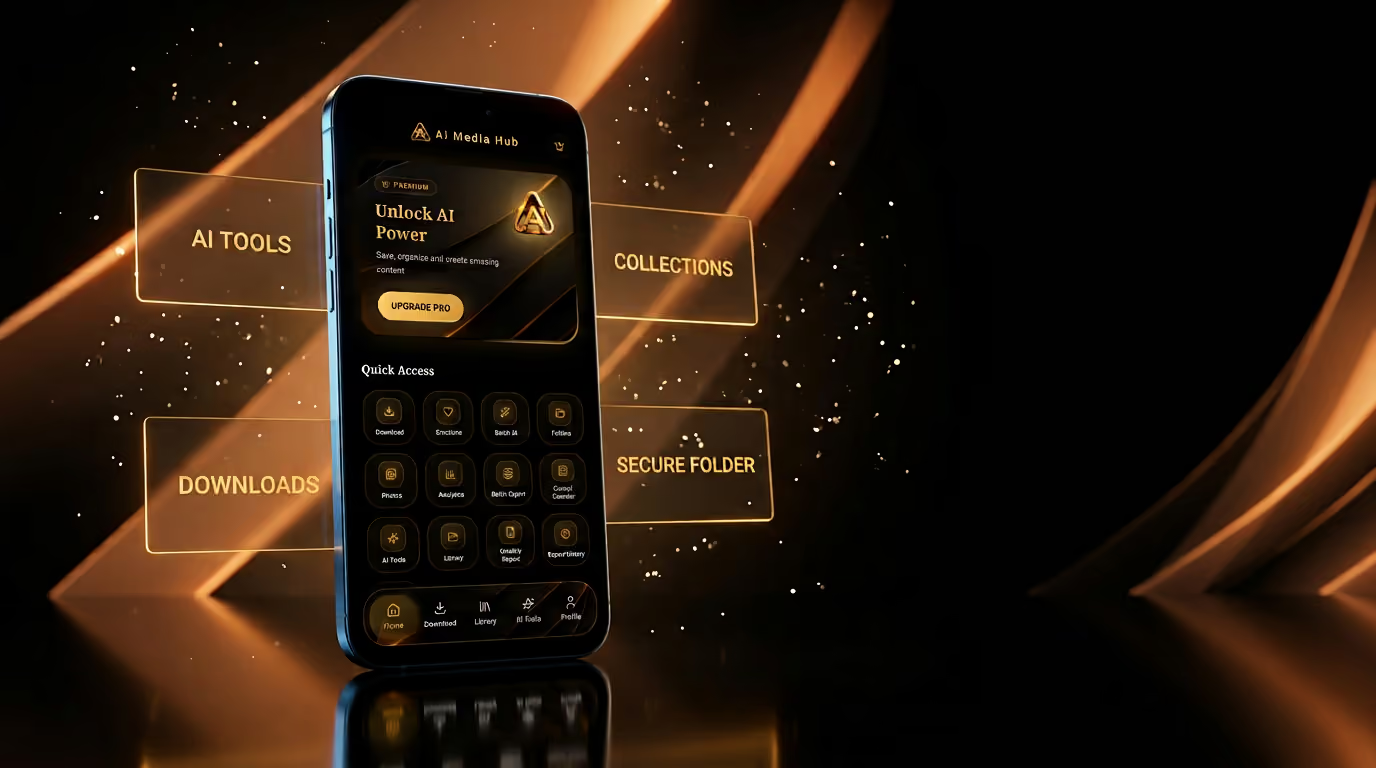
01Opening
Your media. Smarter.
Analyze, download, organize and protect your media — from one intelligent workspace.
Quick Access
- Download
- Secure
- AI Tools
- Folders
- Films
- Audio
- Photos
- Links
Recent
- Launch cutFilm · 4K12:48
- Episode notesAudio · 320k41:02
- City stillsPhotos · 24—
02The workspace
Four things, one place.
Most media tools do one job and hand you a file. AI Media Hub keeps the whole chain in a single library — the link you started from, the file you pulled out of it, the collection it belongs to, and the folder nobody else opens.
- 01
AI Tools
Summaries, captions, hashtags and scripts from a media link.
- 02
Downloads
Pick the quality, watch it process, find it filed.
- 03
Collections
Films, audio, photos and folders — one library.
- 04
Secure Folder
Passcode and fingerprint, on the device.
03Analyze
Paste a link. Read the room.
- Input
Drop a media URL into the bar. Nothing to install, nothing to convert first.
- Process
The track is read end to end — picture, audio, duration, quality.
- Insight
A summary, the highlights, and the writing tools: captions, hashtags, script.
- Video Summary
- Caption Generator
- Hashtag Finder
- Script Writer
- 4K
- 1080p
- Audio
Downloading
In queue
- Audio trackAudio · 320k320k
- Still packPhotos · 2424
04Download
Choose the quality. Then forget about it.
Downloads run in their own screen with a progress ring and a quality badge, and land in the library already sorted. You don't end up with a folder full of files called video_final_2.
05Organize
Everything has a place.
Films, Audio, Photos, Folders. The library is the product — collections you can filter, folders you can nest, and a grid that stays readable at two hundred items.
- All
- Films
- Audio
- Photos
- Folders
Enter passcode
06Protect
Private media stays private.
Move anything into the Secure Folder and it leaves the main library. Getting back in takes a passcode or a fingerprint. It is a lock on your own device — not a promise about someone else's cloud.
Nothing in this section is a security claim beyond what the app does: a passcode-protected folder with biometric unlock.
07Anywhere
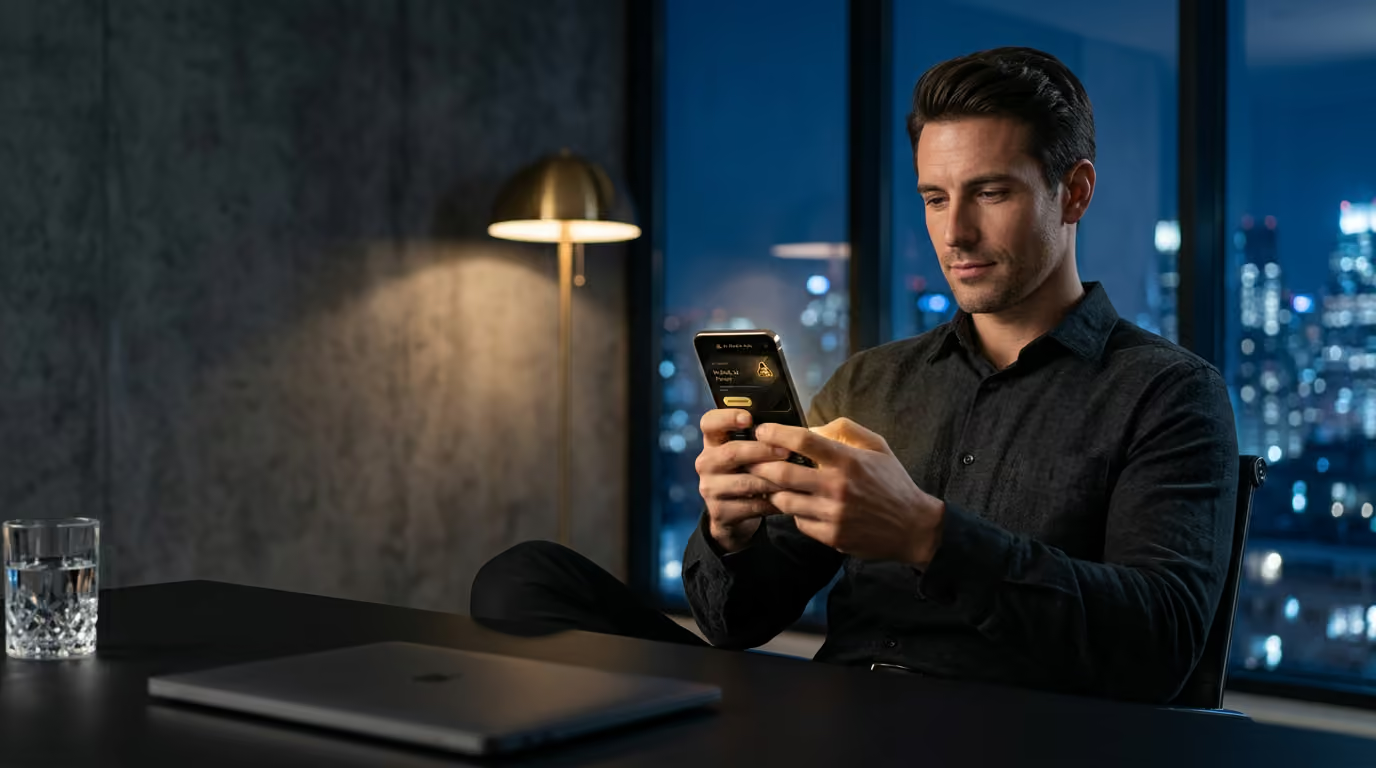
It fits in the quiet hour.
Clearing a backlog on the sofa, pulling a clip before a meeting, filing the week's material on a Friday night. The work is small and frequent, so the app is built for one hand and a short attention span.
08Every screen
One media workspace. Every screen.
The same library on the phone in your pocket, the tablet on the table and the laptop you actually work on.
AI Media Hub
Analyze.Download.Organize.Protect.
One intelligent media workspace.